
Let’s catch up. A few weeks prior I returned from a local anime convention and was grateful to meet local fans and others who traveled to Erie, PA to attend that convention. I met many anime fans, I met Genshin Impact players, I also met Mario fans, but I sadly never saw any Touhou cosplayers and I only had one Touhou fan stop by my booth. Not to mention I was the only Touhou doujin circle to be there.
Only a month remains before Touhou Kourinden ~ Mythos of Phantasmagoria releases, but what about your future?
You can already buy the full game on itch.io here. The Steam version is our biggest focus.
Anyway, what’s next for us? I’m sure you’ve seen it on Twitter and Instagram, and that’s because I’m working on a sequel to the game I’m releasing. There’s not much I can talk about here, but I do want to mention the same graphic artist who did most of the sprites for Touhou Meijinka ~ Song of Divine Tempest is returning for this new game. He may possibly be the sprite artist for every Super Nintendo-style Drillimation game after that. However, every genre will come with its fair share of issues.
While penning the sprites for a danmaku shooter was pretty straightforward, the sprites for an RPG are a little more complicated. While he was able to do most of the enemy sprites, as well as background tiles, he could not get the correct sprites for the overworld characters, so I decided to undertake it myself. It was tough trying to learn his artistic style, but I eventually got used to it.
This new game may not be released for more than a year, but I do plan to finish it by the end of this year. If you are interested in working on this project with us, don’t hesitate to join my Discord server. The link to that is here.
Solved a big technical challenge with my workstation
Over a month ago I was able to solve a problem that I’ve been fighting with my workstation for over two and a half years. On a day-to-day basis when it comes to doing anything CPU intensive, whether it be making games, videos for my YouTube channel, or even anything involving 3D, I would almost certainly run into this big issue.
One day, in the summer of 2021, almost a month after Chuhou Joutai 2: Paraided! released, I was trying to render my 100 subscriber special video, to showcase a new song I was composing for the third Touhou Project NES Demake, The Phantasmagoria of Dimensional Dreams. Halfway through the rendering process, my entire computer would lock up, and the screen would blank. No mouse button or key combinations would bring the screen back, leaving me no choice but to push the reset button on my workstation and corrupt the video being rendered.
I initially solved my problem when somebody suggested I clear the Media Cache files, which in turn did the job. I also updated my graphics card driver to avoid crashes like these in the future. This problem seemed to go away for the latter half of 2021 until it started showing up again in the spring of the following year. The problem happened to lie in either Photoshop or most of the time VRoid Studio which I used to design my characters. After days of extensive research, testing, numerous crashes, and even reinstalling my graphics card drivers multiple times, I could not use my workstation to get things done. Nothing had worked.
As I previously mentioned, I was rendering my 100-subscriber special video, and my system locked up. I pushed the reset button and tried again, and the same thing happened. When you have to deal with system lockups in Microsoft Windows, one of the first things you do is try to diagnose the issue using a program called Event Viewer. Any sort of problem your computer has should get reported here. Most of the time, the problem I’m trying to find isn’t listed. This means I would have to go on either Reddit or contact the program’s developer for advice, but half of the replies I received didn’t fix my problem.
I had to drill much deeper. I later learned this problem had something to do with my graphics card. One of the first things I did was spray compressed air, removing all sorts of crap that had gotten in there ever since I built it in the summer of 2020. This method somewhat helped. When I was having the same issue with VRoid Studio, a Microsoft support representative asked me to try something odd. What I meant was performing an in-place upgrade. This essentially reinstalls Windows without removing your applications and files.
This was the very reason I got my MacBook, and my configuration cost roughly the same amount of money I spent building the workstation. As a result, I moved video editing and livestreaming to that thing. This problem started again when I got VRM Posing Desktop, to make taking VRoid photos much easier. I was preparing my semifinal social media image for 2022, and right when I was done adjusting the models and ready to take the picture, it happened again. My system locked up as usual, erasing all of my work and forcing me to start all over. In that case, VRM Posing Desktop work got moved to the MacBook.
Last year, it happened multiple times while I was playing Minecraft. Randomly while I was playing the game, my system would lock up and produce the aforementioned issue. First of all, I thought my graphics card was getting too hot. When that wasn’t the cause, I later thought the problem was coming from my CPU. I moved Minecraft to my graphics card and it took the load away from the CPU, though my graphics card would get pretty hot reaching up to 38 degrees Celsius, or roughly 100 degrees Fahrenheit. While it solved the problem, for the most part, my system still softlocked.
I am not calling out on or expressing criticism toward any company, whether it be Adobe, Pixiv, Elvin Gamedev, Microsoft, Mojang, or Nvidia. I tried all of the solutions I could find online and did all sorts of things to see if I could fix this issue. The first thing that can cause this problem is low virtual memory. What I did was I ordered a 500GB SSD and installed that into my system. I increased the amount of virtual memory by putting the page file onto that thing, but I had no luck.
The second thing I did was I replaced the power supply by going up from 650W to 750W, that too didn’t fix the problem. I later found out that I was likely going to have to get a new graphics card to replace the old one. As a test, I ordered two VGA to DisplayPort cables and I hooked them up. Unfortunately, I could only hook up with one of them because neither one would fit into my monitors due to space restrictions. I went into the other room and dug out this Hewlett-Packard-branded monitor which I think was my grandmother’s and hooked up the DisplayPort cable. It didn’t have the power cable, so I used the one from my old power supply and it works perfectly.
Right when I was about to get that new graphics card, the problem went away. Turned out it was a bad VGA cable. I had to connect it to converters because my graphics card doesn’t have a VGA port. I get it. VGA is old-school and outdated. I will eventually have to get that graphics card because as of this post’s writing, Nvidia discontinued the GTX line, which is what my workstation uses. I do plan to continue using it until Nvidia discontinues driver updates for my graphics card.
Some of you are probably talking about the fate of my old monitor. If you were at the Erie Anime Fest, you may have seen it at my booth playing a presentation of Drillimation’s history and gameography. This monitor is over a decade old, and I received it as a graduation present in the summer of 2014 when I finished junior high school. And this was a few months before Drillimation was even a thing. This monitor got me through a lot of years. This was the very one I hooked my Nintendo Switch up to when I got it on day one.
I did have some issues with it over the years. Sometimes it would not detect a signal when I’d resume my system from sleep, but it also happened whenever I’d turn on the machine. It also had overscanning issues when hooked up via HDMI, and it only displays correctly on VGA. I will definitely miss using this monitor all the time.
Creating an accessible version of the Edirol SD-90
If you saw on my YouTube channel over the past few months, I decided to start doing Windows Touhou-style originals, using some of the same instruments that are used in Touhou 6: The Embodiment of Scarlet Devil. But I don’t have all of the instruments from the module they originate from. If you’ve played any mainline Touhou game from Embodiment of Scarlet Devil onwards, you probably recognize this instrument used in the scores of their soundtracks.
That instrument is, in fact, the Romantic Trumpet. It’s actually an edited mariachi trumpet sample used for Latin American music which is nicknamed the ZUNpet by players. For non-musicians, you might not know where this instrument originates from though you still recognize it. This is especially true for newer players who came in during the 2010s. I started playing Touhou in the late 2000s.
I’ve already explained what the instrument is, but where does it come from? You’re probably wondering where this iconic instrument in Touhou history originates. This instrument can be first heard in A Soul as Red as a Ground Cherry, which plays during the first stage of The Embodiment of Scarlet Devil. This was in 2002, and the module the instrument originates from was released a year earlier in 2001. The module you’re looking for is the Roland Edirol SD-90. Part of the Studio Canvas series, it is a top-quality MIDI synthesizer, audio mixer, and effect processor, all powered by USB. Believe it or not, there exist three versions of this module: The SD-90 and SD-80 are pretty much the same thing and feature the same instruments. The much smaller, SD-20 only features half of the instruments that its older siblings have.
One of my biggest focuses is to have a complete, accessible version available to aspiring musicians wanting to write music in ZUN’s iconic style. I only have one of the SD-90’s instrument sets, and that is the Contemporary Set. It’s available for download on Musical Artifacts, but I also uploaded it to the Internet Archive due to how sluggishly slow the former site is. I have some of the instruments from the other sets, but that’s not enough. My mission is to have all of them in one soundfont.
I tried Googling the instrument sets, but what I found in terms of SF2 files was disappointing. Many of the ones available were incomplete. Even if I include “SD-90” in the search term, I would end up at a dead end. There’s also Roland Cloud, which you can subscribe to for a monthly fee, but I found no mention of either module. After many search queries on Google and the Internet Archive, I ended up finding nothing. Indeed, some users made posts on Reddit asking where they can find these instruments. Many of these replies are useless.
I am not going to give up. I vow to do everything in my power to find all these instruments. I can’t do this alone. This means I will have to request your help. Will I have to buy either the SD-80 or 90 and extract the instruments from there? This module is over two decades old, so I don’t think it may work properly on my modern system. There may be something else I missed. If you happen to own either module and would like to help with the project of extracting the entirety of the module, I recommend you join my Discord server. That way, you can discuss ideas I may have never considered. To increase the likelihood of success, please also like this video and share it with your friends. Don’t forget to subscribe to my YouTube channel and follow me on Twitter and Instagram so you don’t miss any updates on new leads I find in this project. I’m requesting the help of all of you so we can make this possible.
That’s it!
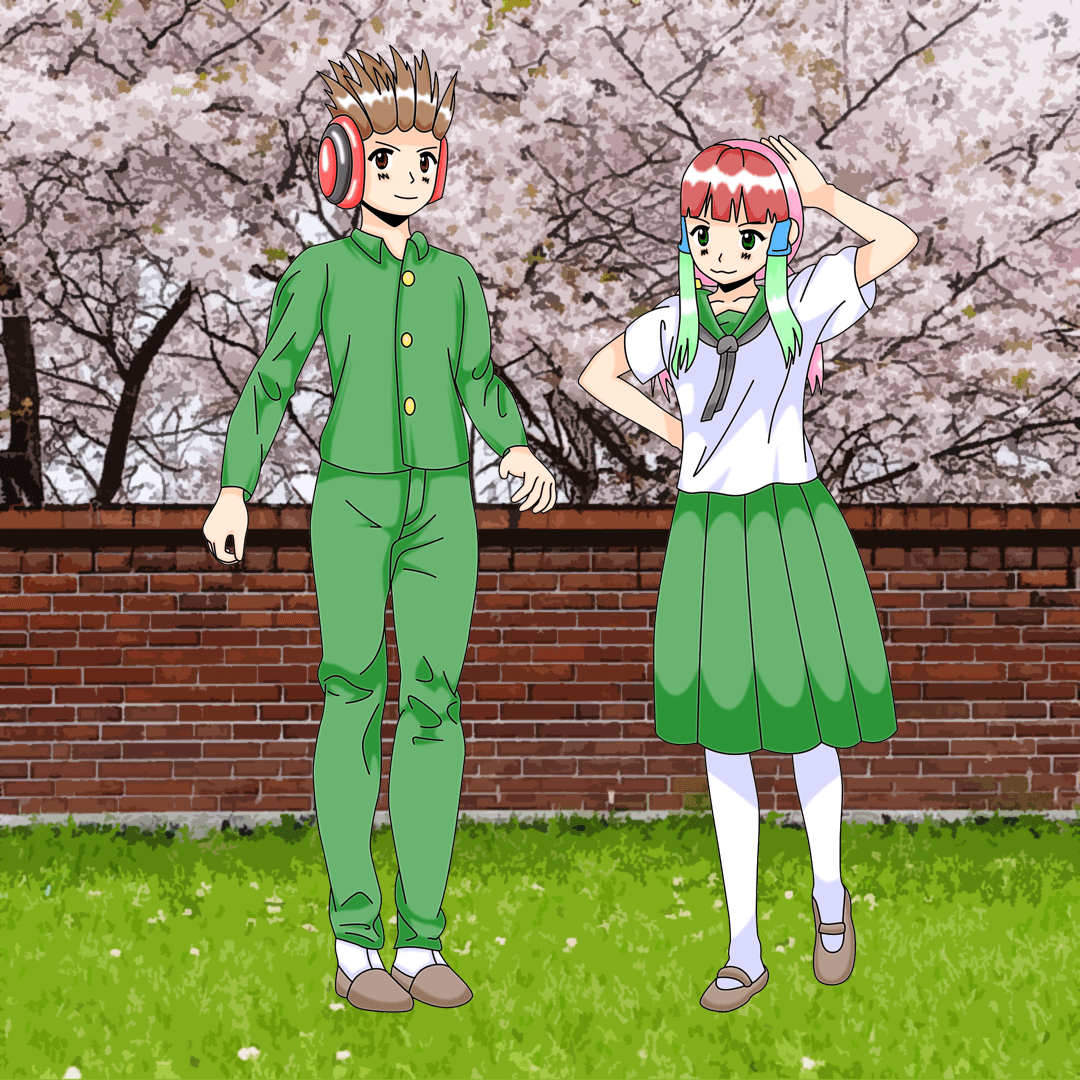
That about wraps it up. Spring is already in full force, but it’s autumn for our players in the Southern Hemisphere. It will be a while before you see either cherry blossoms or autumn leaves. Additionally, we hope you look forward to the release of Touhou Kourinden ~ Mythos of Phantasmagoria on Steam next month.
Discover more from Drillimation Systems
Subscribe to get the latest posts sent to your email.
 Drillimation Systems
We admire no doubt it is a real fact Excellent 100% You are the best 🏆🎖️🏆 & We hope that you will continue to develop yourself, continue to increase your abilities and to declare your present and future with the most successful achievements and advancements. Be sure to keep it and keep praying for them. Thank you
LikeLiked by 2 people
Greetings🌹, how are you?
Allow me to introduce myself my name is spiritual IJELE. You can call me
Dr IJELE.
I’m a natural gifted High Priest. who has been gifted and blessed with supernatural powers to help people and restore their broken relationships and happiness 🤍✨
LikeLike
Ugh, what a hassle with the computer repeatedly locking up. Kudos on your perseverance 😎
LikeLiked by 2 people